
Home Security
A home system should cover the ways into the property, record reliably through power cuts and be simple for the whole family to use.
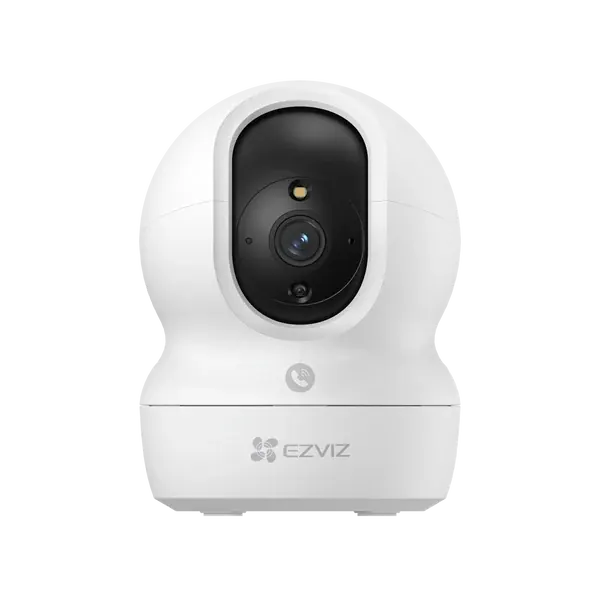
For most homes the priorities are the main gate, the front door, the car porch or parking, and any side or rear access such as a roof door or boundary wall. Indoors, a pan-tilt Wi-Fi camera in the lounge can check on family or pets without permanent wiring. Decide early whether you need recordings of everything (a DVR/NVR with a hard drive) or only alerts and short clips (Wi-Fi cameras with memory cards or cloud).
Power cuts are a real consideration. A recorder and cameras on a small UPS keep recording during short outages; battery cameras keep working but need recharging. Remote viewing needs the router to stay on too.
Privacy matters at home. Point cameras at your own property, avoid filming neighbours' private spaces, and agree with family members which indoor areas are monitored.
What we usually recommend
Entrance and gate cameras
Outdoor bullet or turret cameras positioned to capture faces at a natural height, with colour or infrared night vision.
Recorder or Wi-Fi?
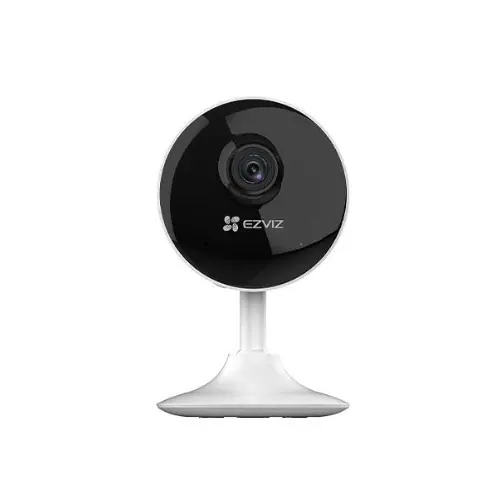
A 4- or 8-channel DVR/NVR for continuous recording, or Wi-Fi cameras with memory cards for a small flat.
Video doorbell
See and speak to visitors from your phone before opening the gate or door.
Smart lock and sensors
Fingerprint access for the family and door/window or motion sensors for alerts.
Ready-made packages
Our Hikvision packages bundle cameras, recorder and installation for 2 to 16 cameras.
Common challenges
- Gates and boundary walls at night
- Load-shedding interrupting recording
- Family members needing simple phone access
- Avoiding cameras that look into neighbours’ property
Things to consider
- Keep the recorder somewhere hidden and ventilated
- Put the recorder and router on a UPS
- Use strong, unique passwords and share view-only access with family
Questions
How many cameras does a typical house need?
Many houses start with 4 cameras covering the gate, front door, porch and one side or rear access, then add more where needed. A short walk-through or photos let us suggest a layout.
Will cameras work during load-shedding?
Only if the recorder, cameras and router have backup power. A suitably sized UPS keeps recording during typical outages.