

Networking & Wi-Fi Solutions
Slow, patchy networks usually come from a weak backbone rather than a slow internet package. We plan cabling, switching, PoE power and Wi-Fi coverage together so your devices — including IP cameras — have the capacity and reliability they need.
Plan the backbone first
Wireless coverage is only as good as the wired network behind it. Access points perform best when each one has a cable back to a switch rather than relaying signal wirelessly. Building materials matter: brick and reinforced concrete walls common in Pakistani buildings absorb Wi-Fi far more than drywall, so coverage on another floor or behind several walls usually needs another access point, not a stronger router.
PoE and power budgets
Power over Ethernet (PoE) lets one cable carry both data and power to IP cameras, access points and IP phones. Every PoE switch has a total power budget as well as a per-port limit. A switch can have eight PoE ports and still not power eight PTZ cameras at once. We add up the real power draw of your devices and leave headroom for growth.
Separate traffic where it helps
Camera traffic, guest Wi-Fi and office computers do not need to share one flat network. Where your equipment supports it, VLANs and separate SSIDs keep guests away from your business devices and stop camera streams from slowing everyday work. For smaller sites we keep the design simple and documented so you are not dependent on one person to manage it.
Managed or unmanaged?
Unmanaged switches are plug-and-play and fine for small, simple networks. Managed switches add monitoring, VLANs, link aggregation and port control — useful in offices, multi-floor buildings and anywhere you want visibility into problems. Several Cisco models in our catalogue are enterprise managed switches; each listing states whether it is new, boxed or open-box.
What’s included
- Survey of rooms, floors, users and connected devices
- Cabling plan, switch and PoE budget calculation, access-point placement
- Supply and installation of switches, routers, access points and racks
- Cable termination and testing
- Basic configuration: SSIDs, passwords, VLANs where supported, DHCP
- Documentation of ports, cable labels and settings
How it works — from assessment to quotation
Requirements
Tell us the floors, rooms, number of users and devices, and any camera or phone systems that will share the network.
Survey
For multi-room or multi-floor sites we check cable routes, the internet hand-off point and where equipment can be mounted.
Design & quotation
You receive an itemised design with equipment, cabling allowance and labour, and a validity date.
Installation & testing
We install, terminate and test cables, configure equipment and check coverage in the agreed areas.
Documentation
You receive the settings, passwords and a port/cable map.
What we need from you
- Floor plan or photos of the areas to cover
- Number of users and wired/wireless devices, now and expected
- Your internet service and where it enters the building
- Existing switches, routers and cabling (model numbers)
- Devices that need PoE (cameras, access points, IP phones)
What you receive
- Installed and tested network equipment and cabling as quoted
- Wi-Fi coverage in the agreed areas
- Configuration documentation and credentials handed to you
Handover
- Administrator credentials for every device we configure
- Port map and cable labels
- Explanation of how to restart equipment safely and what to check first if something stops working
Not included unless quoted
- Internet service performance — actual speeds depend on your ISP plan and line
- Configuration of ISP-managed equipment we cannot access
- Civil or electrical works not listed in the quotation
- Software licensing and support contracts unless quoted
Questions about networking & wi-fi solutions
Will a better router fix my Wi-Fi?
Sometimes, but in most multi-room buildings more access points connected by cable fix coverage more reliably than a single stronger router.
Can CCTV share my office network?
Yes, if the switches have enough capacity and PoE budget. Where supported we separate camera traffic from office traffic.
Do you sell refurbished Cisco equipment?
Some enterprise Cisco listings are with-box or open-box units; the condition is written on each product. Ask us to confirm before ordering.
Products often used

Cisco
Cisco Linksys E4200 Dual-Band Wireless-N Router 140 channel
In stock
Price range PKR 4,500–6,000
Price confirmed on WhatsApp

Cisco
Cisco SF100D-16-Port 10/100 Desktop Unmanaged Switch
In stock
Price range PKR 5,000–8,000
Price confirmed on WhatsApp

Dahua
Dahua DH-CS4006-4ET2GT-36 6-Port Managed PoE Switch | 4 PoE, 2 Gigabit Uplink
In stock
PKR 8,650
Dahua
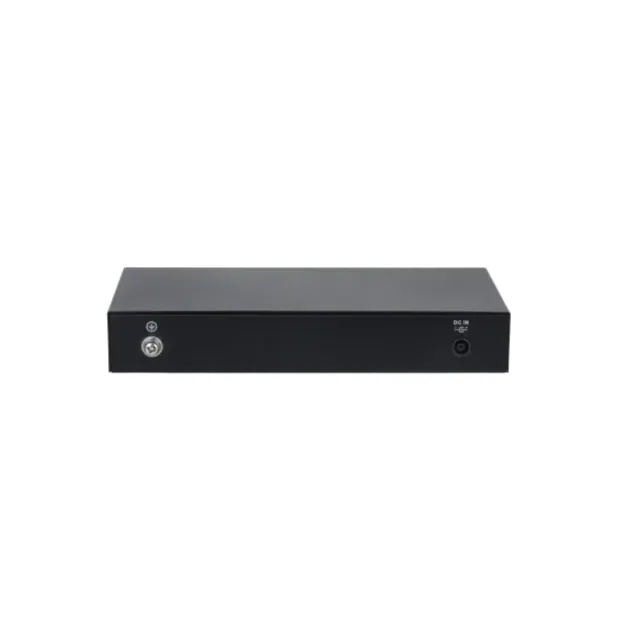
Dahua CS4010-8ET-60 10-Port Cloud Managed PoE Switch | 8 PoE Ports, 2 Uplink
In stock
PKR 15,050