
Access Control & Smart Security
Controlling who can enter, and knowing when they did, adds a layer that cameras alone cannot. We match locks and doorbells to your doors and how people use them, and set up user management so you stay in control.
Start with the door
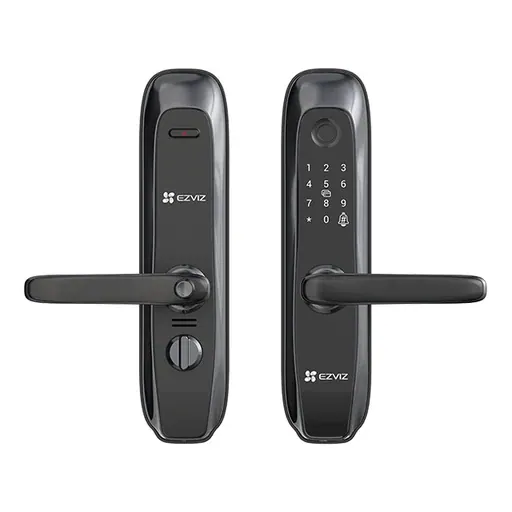
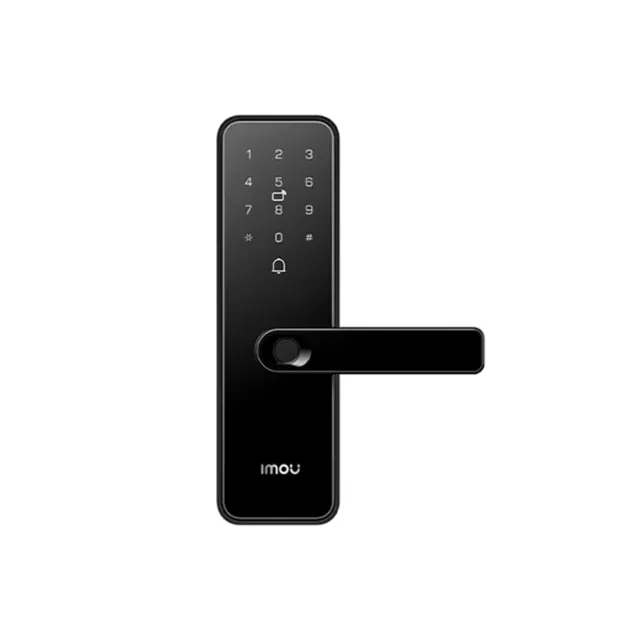
Smart locks are specific about door thickness, material, the lock body and which way the door opens. A lock that does not suit the door either cannot be fitted or will not latch reliably. Before you order we ask for photos of both sides of the door, the edge where the lock sits and the measurements we need.
Choose how people will get in
Fingerprint, PIN, card and app access each suit different users. Families often prefer fingerprints with a PIN backup; offices may prefer cards they can cancel when staff leave. Decide who manages users and how lost cards or departing staff are handled. Keep the mechanical key or emergency power option the manufacturer provides somewhere safe.
Video doorbells and sensors
A video doorbell needs a reliable Wi-Fi signal at the door and a power plan — battery models must be recharged, wired models need suitable existing bell wiring or an adaptor. Door/window contacts, motion and water-leak sensors usually need a compatible hub from the same brand. We check these dependencies so the devices work together in one app.
Safety comes first
Doors on escape routes must still open quickly from the inside in an emergency. Where a door is part of a fire or emergency route, the arrangement should be reviewed by the responsible person for the building before any locking device is installed.
What’s included
- Door and site compatibility check from photos or a visit
- Selection of locks, doorbells, sensors and hubs that work together
- Installation and app setup on your phones
- User enrolment (fingerprints, PINs, cards) for the people you nominate
- Demonstration of adding and removing users
How it works — from assessment to quotation
Photos & requirements
Send photos of the door(s), the number of users and how you want them to get in.
Compatibility check
We confirm which products fit, and whether a hub or adaptor is required.
Quotation
Itemised products and installation, with any door modifications listed separately.
Installation & enrolment
We install, connect to your Wi-Fi and enrol users.
Handover
You become the administrator in the app and keep the backup keys.
What we need from you
- Photos of both sides and the edge of each door; door thickness
- Number of users and preferred access methods
- Wi-Fi availability at the door
- Whether the door is on an emergency exit route
What you receive
- Installed and tested devices
- Enrolled users
- App administrator access in your name
Handover
- Administrator account and backup keys handed to you
- Instructions for adding/removing users and changing batteries
- Manufacturer warranty information for each device
Not included unless quoted
- Carpentry or door replacement unless quoted
- Changes to fire-rated or emergency-exit doors without approval from the responsible person
- Third-party alarm monitoring services
Questions about access control & smart security
What happens if the battery runs out?
Smart locks warn you in advance and most provide an emergency power port and a mechanical key. We show you both at handover.
Do sensors need a hub?
Most Zigbee or similar sensors need a compatible hub from the same brand. We check this before you order.