
Offices & Workplaces
Offices benefit from planning security and IT together: cameras, door access and Wi-Fi all depend on the same cabling and network.
Office projects usually combine three things: knowing who enters, protecting equipment and records, and a network that staff can rely on. IP cameras powered from PoE switches share the cabling and rack with your office network, so it makes sense to plan them together and size the switches properly.
At entrances, smart locks or access control with individual user credentials let you remove access when someone leaves instead of changing keys. Reception and corridor cameras give an overview of movement without monitoring individual workstations.
A structured network with separate guest Wi-Fi keeps visitors away from business systems, and a small rack keeps switches, the recorder and the router organised, labelled and on backup power.
What we usually recommend
PoE network and rack
Managed or PoE switches sized for computers, access points and cameras, in a labelled rack.
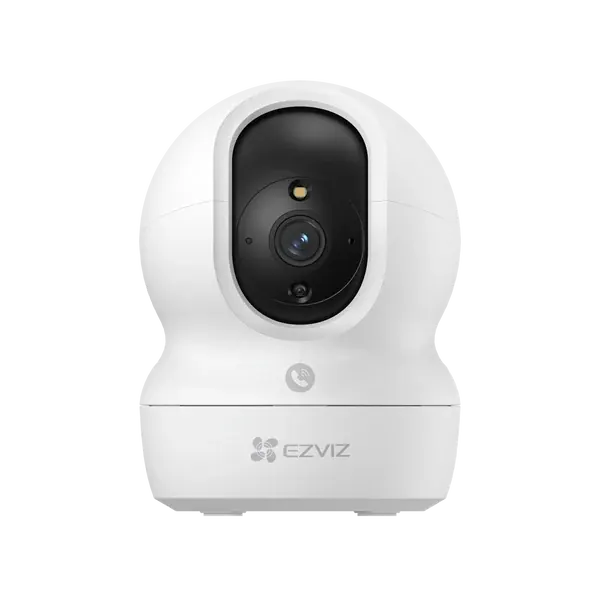
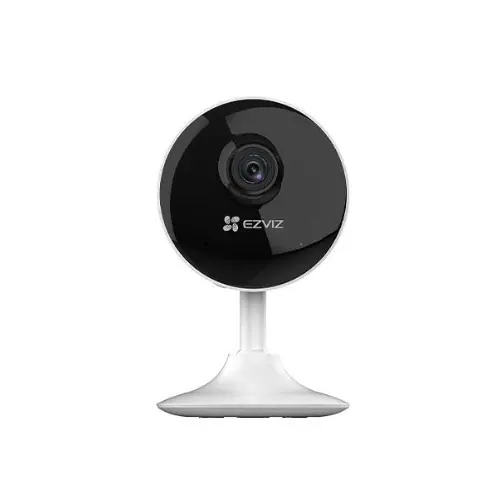
IP cameras and NVR
Reception, entrances, corridors and the server area.
Access control
Smart locks with individual fingerprints, PINs or cards.
Business Wi-Fi
Cabled access points with separate staff and guest networks.
Common challenges
- Managing access when staff change
- Shared cabling for IT and security
- Guest Wi-Fi separated from business systems
- Server/rack area protection
Things to consider
- Tell staff where cameras are and why
- Avoid filming screens with sensitive information
- Keep administrator access with the business owner
Questions
Can one network carry CCTV and office traffic?
Yes, with enough switch capacity and PoE budget. Where equipment supports it we separate the traffic.
Suggested products

Cisco
Cisco Linksys E4200 Dual-Band Wireless-N Router 140 channel
In stock
Price range PKR 4,500–6,000
Price confirmed on WhatsApp

Cisco
Cisco SF100D-16-Port 10/100 Desktop Unmanaged Switch
In stock
Price range PKR 5,000–8,000
Price confirmed on WhatsApp

Dahua
Dahua DH-CS4006-4ET2GT-36 6-Port Managed PoE Switch | 4 PoE, 2 Gigabit Uplink
In stock
PKR 8,650
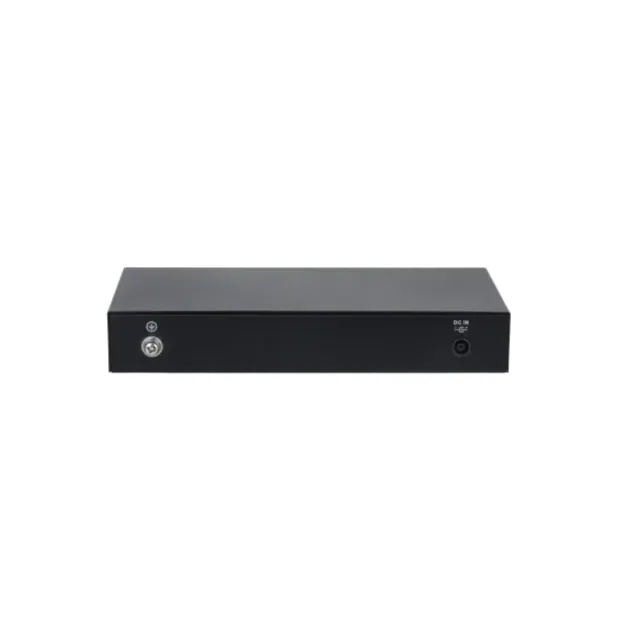
Dahua
Dahua CS4010-8ET-60 10-Port Cloud Managed PoE Switch | 8 PoE Ports, 2 Uplink
In stock
PKR 15,050