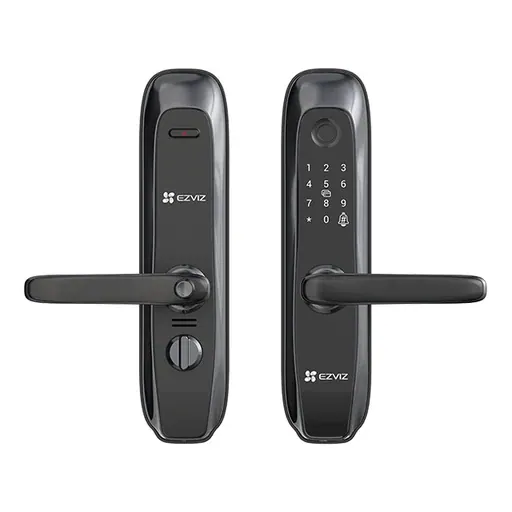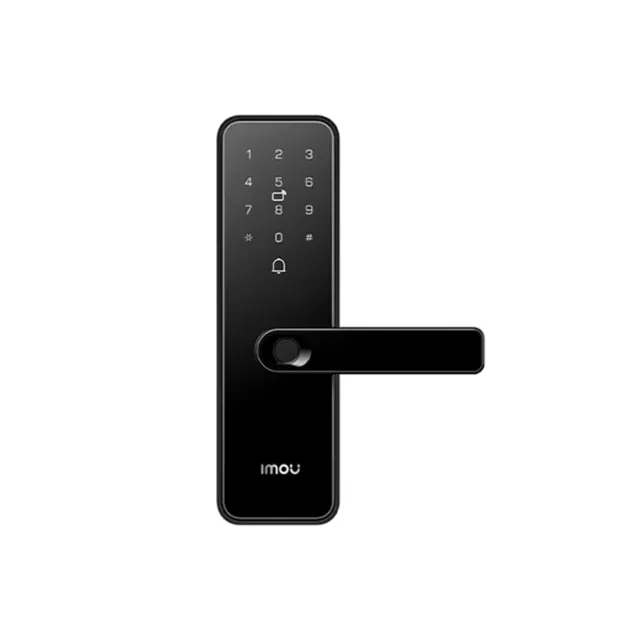

Smart Door Locks Guide: Fingerprint, PIN, Card and App
Quick answer
Smart locks replace keys with fingerprints, codes, cards or your phone. Learn which unlocking methods suit you and what to check before buying.
By ITvein TeamPublished Updated 2 min read
Smart door locks are becoming common in homes, apartments and offices. They remove the hassle of keys, let you give temporary access, and record who opened the door and when.
Unlocking methods
| Method | Pros | Watch out for |
|---|---|---|
| Fingerprint | Fast, nothing to carry | Wet or dirty fingers; enrol several fingers |
| PIN code | Easy to share and change | People watching; use anti-peep codes if supported |
| RFID card / tag | Simple for staff and domestic workers | Lost cards must be removed from the lock |
| Mobile app | Remote access, logs, temporary codes | Needs Bluetooth, Wi-Fi or a gateway |
| Mechanical key | Emergency backup | Keep it somewhere safe, not near the door |
Many locks combine several methods.
Check door compatibility
- Door type: wood, metal or glass; some locks are designed for specific doors.
- Door thickness: check the supported range.
- Mortise lock body: smart locks often replace the lock body; measurements must match or the door needs modification.
- Opening direction: left or right handing.
Take photos and measurements of your door and current lock before buying.
Power and batteries
Most smart locks use AA batteries or a rechargeable pack. Battery life varies with use and features. Good locks warn you well before batteries run out and offer an emergency power input (often USB) on the outside.
Connectivity
- Bluetooth: app control nearby.
- Wi-Fi: remote control and alerts directly, uses more battery on some models.
- Zigbee or a gateway/hub: remote access with lower battery use. See smart alarm sensors for hubs.
Security features to look for
- Auto-lock after closing.
- Wrong-attempt lockout and alarm.
- Activity logs.
- Temporary or time-limited codes for guests and workers.
- Tamper alarm.
Installation tips
- Confirm compatibility before removing the old lock.
- Install on a door that closes and aligns well; smart locks are sensitive to misalignment.
- Enrol fingerprints carefully, several angles per finger.
- Test every method, including the mechanical key, before finishing.
- Pair with a camera or video doorbell to see who is at the door.
Browse smart door locks. Our access control and smart security service covers supply and installation in our service cities.
Frequently asked questions
What happens if the batteries die?
Most locks give low-battery warnings for weeks. If they run out, use the mechanical key or the emergency USB power input on the outside.
Can a fingerprint lock be fooled?
Quality sensors with liveness detection are hard to fool in practice. Combine with auto-lock and alarm features for better security.
Can I use a smart lock on a main gate?
Only with models designed for gates and outdoor conditions. Many smart locks are designed for indoor-facing doors protected from rain and direct sun.
Want advice for your own site?
Send photos and your requirements — we reply with an itemised quotation.