
Using Smart Lights and Plugs to Improve Home Security
Quick answer
Lights that turn on by schedule or when a sensor triggers make a home look occupied and deter intruders. Here is how to set them up.
By ITvein TeamPublished Updated 2 min read
A dark, silent house signals that nobody is home. Smart lighting and plugs are a low-cost way to change that, and they make everyday life easier too.
The options
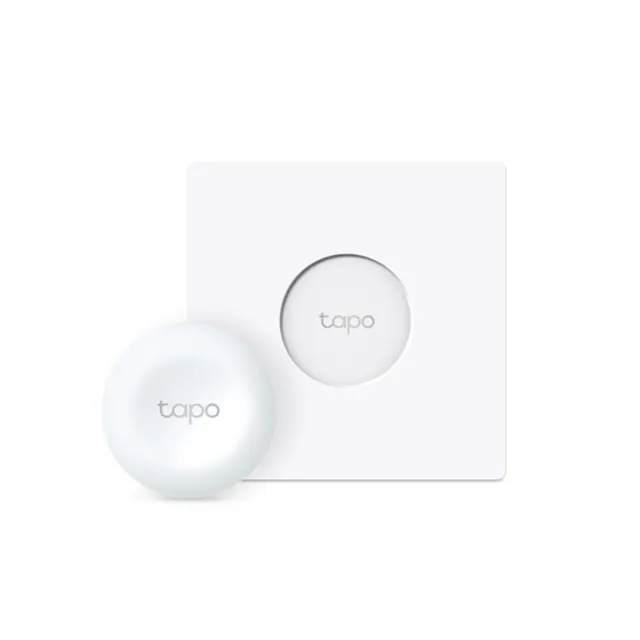
- Smart switches: replace existing wall switches; control the lights already installed. Check whether a neutral wire is required.
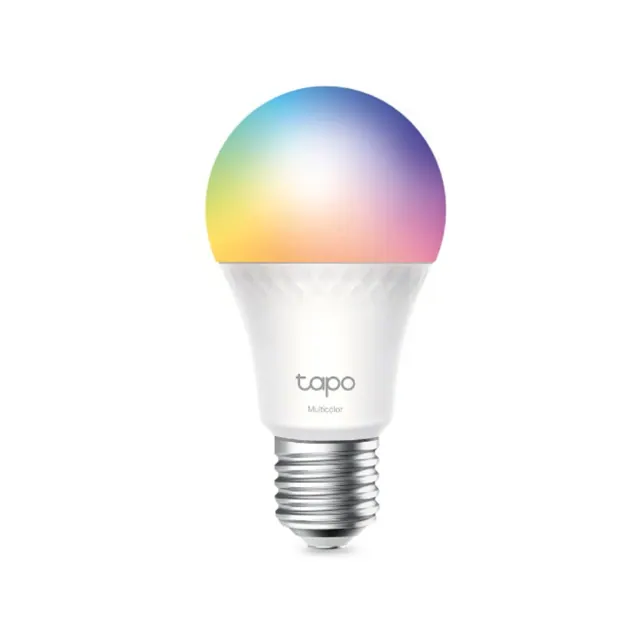
- Smart bulbs: screw-in bulbs with Wi-Fi or Zigbee; easy for renters.
- Smart plugs: turn any plugged-in appliance or lamp on and off.
Browse smart lighting and switches and smart plugs and power.
Security uses
1. Away-mode schedules
Set lights to switch on in the evening and off at night, with some variation, while you are travelling.
2. Automations with sensors and cameras
- A door sensor opens at night → turn on hallway lights.
- Outdoor motion → switch on porch lights (also helps camera images).
- See smart alarm sensors.
3. Remote control
Turn lights on from your phone if you hear of something unusual, or before arriving home late.
4. Better camera footage
Switching on outdoor lights when motion is detected improves night images, especially for colour cameras. See night vision guide.
Safety with smart plugs
- Check the plug's maximum load (amps/watts) before connecting heaters, irons or air conditioners.
- Use plugs that match local socket types or proper adaptors.
- Avoid plugging high-power appliances into extension leads.
- Choose plugs with overload protection where possible.
During load-shedding
When the power returns, devices may restore to their previous state or a default state depending on settings. Check the "power-on behaviour" setting so lights don't all turn on at 3 a.m. after an outage.
Getting started
- Start with porch, gate and lounge lights.
- Create a simple evening schedule.
- Add a door sensor automation.
- Expand gradually.
Example automations that work well
| Trigger | Action |
|---|---|
| Sunset | Porch and gate lights on |
| 11:30 p.m. | Lounge lights off, porch stays on |
| Front door opens after midnight | Hallway light on, phone alert |
| Outdoor motion at night | Driveway light on for 3 minutes |
| "Away" mode on | Random evening schedule in two rooms |
Keep automations simple and test them for a week. Too many can be confusing for family members and domestic staff.
Choosing an ecosystem
Try to stay within one app or ecosystem for lights, plugs, sensors and cameras. Automations between devices from the same brand are more reliable and easier to manage than linking several different apps. Check what your hub supports before buying more devices — see smart alarm sensors for how hubs work.
Frequently asked questions
Do smart lights need a hub?
Wi-Fi models connect directly to your router. Zigbee models need a compatible hub.
Will smart switches work in older homes?
Many do, but some require a neutral wire in the switch box. Check before buying or ask an electrician.
Is it safe to control appliances remotely?
Use plugs within their rated load and avoid remotely switching on heat-producing appliances that shouldn't run unattended.
Want advice for your own site?
Send photos and your requirements — we reply with an itemised quotation.