

PoE Switch Buying Guide for CCTV and Wi-Fi
Quick answer
The right PoE switch powers every camera reliably and leaves room to grow. Here is how to read the specifications that matter.
By ITvein TeamPublished Updated 2 min read
A PoE switch connects IP cameras, access points and phones to your network and powers them over the same cable. Choosing the wrong one leads to cameras that reboot, ports you can't use and expensive replacements.
1. Count the ports
Count every PoE device (cameras, access points, IP phones) and add 20–30% for growth. Common sizes are 4, 8, 16 and 24 PoE ports.
2. Check the total PoE budget
This is the most overlooked specification. A switch may have 8 PoE ports but only enough power budget for some devices at full power.
Example: 8 cameras × 7 W (with IR on) = 56 W. Choose a switch with a budget comfortably above that, for example 65 W or more, rather than right at the limit.
PTZ cameras and Wi-Fi 6 access points can need 15–30 W each; check datasheets.
3. PoE, PoE+ or PoE++ ports
- 802.3af (PoE): up to 15.4 W per port — most fixed cameras.
- 802.3at (PoE+): up to 30 W per port — PTZ cameras, many access points.
- 802.3bt (PoE++): up to 60–90 W — high-power devices.
See PoE explained.
4. Uplink ports
Uplink ports connect the switch to your NVR, router or core switch. Gigabit uplinks are standard; SFP ports allow fibre for long distances or between buildings.
5. Port speed
- Fast Ethernet (100 Mbps) PoE ports are enough for a single camera each.
- Gigabit PoE ports are better for access points and future-proofing.
- The uplink should be gigabit, because it carries all cameras' traffic together.
6. Long-distance (extend) mode
Many CCTV-oriented PoE switches have an extend mode that runs ports at 10 Mbps to reach roughly 250 m. Useful for remote gate cameras — check that the camera's bitrate fits.
7. Managed, smart or unmanaged
- Unmanaged: plug and play, no settings. Fine for small CCTV-only networks.
- Smart/managed: VLANs, port monitoring, remote PoE reboot, power scheduling. Valuable for offices and larger sites.
See managed vs unmanaged switches.
8. Practical features
- Rack-mount or desktop form factor.
- Fanless (quiet) or fan-cooled (higher budgets).
- Surge protection on ports for outdoor cameras.
- Clear port LEDs for PoE status.
Browse PoE switches and managed switches.
Power backup
Put the PoE switch on a UPS and every camera stays powered. See CCTV during load-shedding.
Frequently asked questions
Can I use a PoE switch with an NVR that already has PoE ports?
Yes. Connect extra cameras to the PoE switch and uplink the switch to the NVR's LAN port or the same network, depending on the NVR's design.
What happens if I exceed the PoE budget?
The switch will refuse to power some ports or devices may reboot. Managed switches let you set port priorities so critical cameras stay powered.
Is a gigabit PoE switch necessary for cameras?
Not for each camera port, but gigabit uplinks are recommended, and gigabit ports are better for access points.
Want advice for your own site?
Send photos and your requirements — we reply with an itemised quotation.
Products mentioned in this guide

Dahua
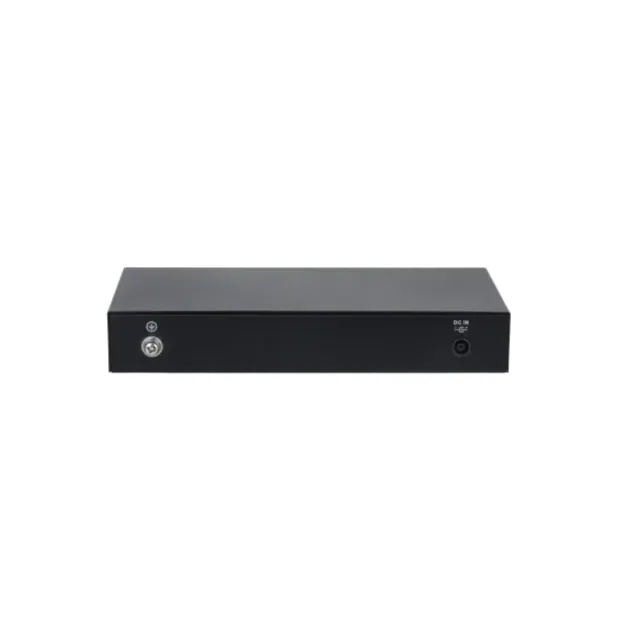
Dahua DH-CS4006-4ET2GT-36 6-Port Managed PoE Switch | 4 PoE, 2 Gigabit Uplink
In stock
PKR 8,650
Dahua
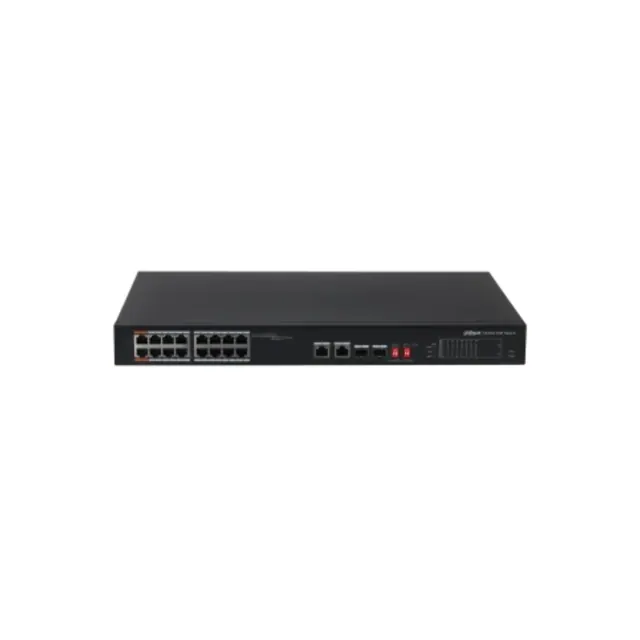
Dahua CS4010-8ET-60 10-Port Cloud Managed PoE Switch | 8 PoE Ports, 2 Uplink
In stock
PKR 15,050

Cisco
Cisco Catalyst 3560G-48p Switch – 48 ports – Managed Non PoE Switch
In stock
Price range PKR 40,000–60,000
Price confirmed on WhatsApp