
Wi-Fi Smart Cameras vs Wired CCTV: Pros, Cons and Best Uses
Quick answer
Wi-Fi cameras are quick to install and easy to use on a phone. Wired systems are more reliable for 24/7 recording. Here is how to decide — or combine both.
By ITvein TeamPublished Updated 2 min read
Wi-Fi smart cameras from brands such as EZVIZ, Imou and Tapo have made home security easier than ever: plug in, scan a QR code, and you are watching on your phone. Wired CCTV with a recorder is still the backbone of most business systems. Which is right for you?
How Wi-Fi smart cameras work
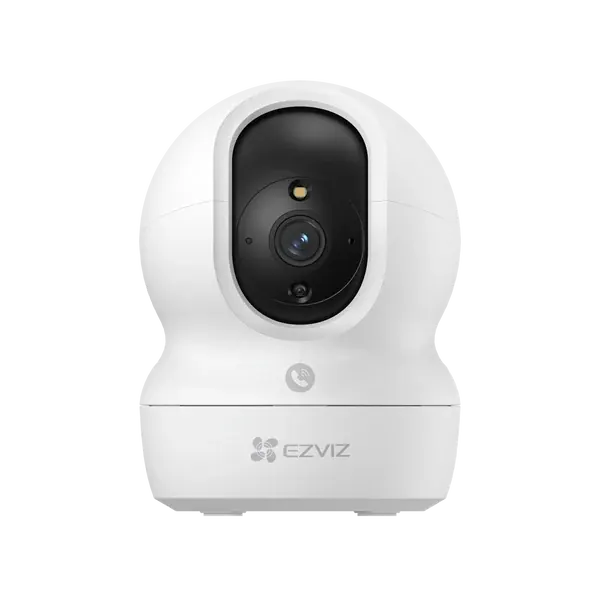
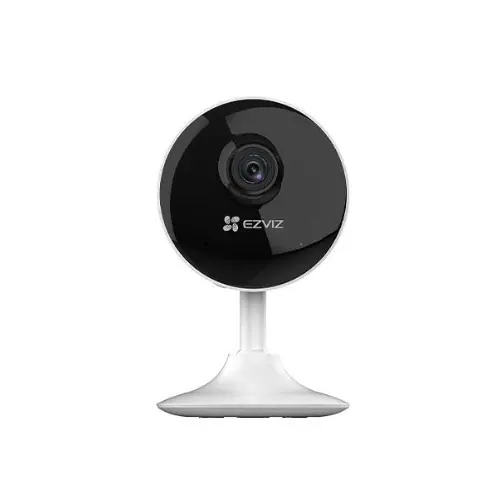
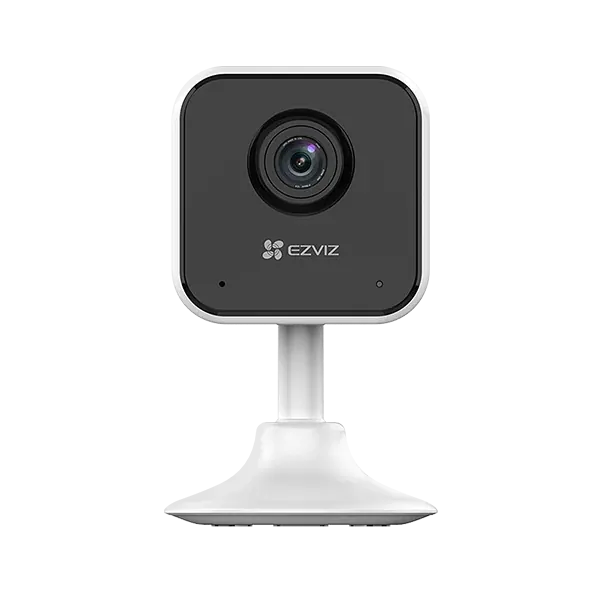
A Wi-Fi camera connects to your router, records to a microSD card inside the camera (and optionally to a paid cloud plan), and sends alerts to an app. It still needs power — usually a USB adaptor — unless it is a battery or solar model.
Strengths
- Very quick to set up; no cable runs for video.
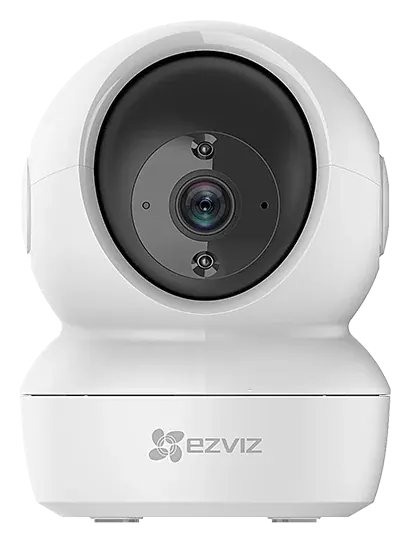
- Built-in app features: alerts, two-way talk, pan-tilt control on many indoor models.
- Ideal for watching children, elderly parents, pets, small shops or a single room.
Limitations
- Relies on Wi-Fi strength. Thick brick and concrete walls, common in Pakistani homes, reduce range.
- Each camera stores its own footage; if a camera is stolen, its card goes with it unless cloud backup is used.
- Many models only connect on 2.4 GHz Wi-Fi.
- During load-shedding the router and camera both need backup power.
Browse Wi-Fi smart cameras and pan-tilt cameras.
How wired CCTV works
Wired cameras connect by cable to a central recorder (DVR, XVR or NVR) that stores all footage on a hard drive. With PoE, a single network cable carries both power and video.
Strengths
- Stable 24/7 recording without depending on Wi-Fi.
- All footage in one place, viewable on a monitor and on your phone.
- Easier to protect with one UPS for the recorder (and PoE cameras).
- Scales well from 4 to 32+ cameras.
Limitations
- Cabling takes planning and labour.
- Higher upfront cost for small setups.
See IP vs HD analog and DVR vs NVR vs XVR.
Comparison at a glance
| Wi-Fi smart cameras | Wired CCTV | |
|---|---|---|
| Installation | Minutes | Hours to days |
| Reliability | Depends on Wi-Fi | High |
| Storage | microSD / cloud per camera | Central hard drive |
| Best size | 1–4 cameras | 4–64 cameras |
| Outdoor perimeter | Possible with good signal | Preferred |
| Load-shedding | Router + cameras need backup | One UPS for recorder/PoE |
The best of both
Many homes use wired cameras outside for 24/7 recording and one or two Wi-Fi pan-tilt cameras inside for convenience. Some NVRs can also add compatible Wi-Fi cameras from the same brand.
Getting Wi-Fi cameras to work well
- Check the signal where the camera will sit before you buy; use your phone's Wi-Fi bars as a rough guide.
- Use a surveillance-grade microSD card of the right capacity. See microSD and cloud storage.
- Put the router on a UPS so cameras stay online during outages.
- Change default passwords and keep the app updated. Read securing your CCTV system.
- If the signal is weak, fix the Wi-Fi first: see fix Wi-Fi dead zones.
Frequently asked questions
Do Wi-Fi cameras work without internet?
Most keep recording to the microSD card if Wi-Fi is up but the internet is down. Without internet you cannot view remotely or receive alerts. If the camera loses Wi-Fi completely, behaviour depends on the model.
Are Wi-Fi cameras safe from hackers?
They are reasonably safe when you use a strong unique password, enable two-step verification in the app where available and keep firmware updated. Buying from established brands also helps.
Can Wi-Fi cameras record 24/7?
Many can record continuously to a microSD card, overwriting the oldest footage when full. The number of days stored depends on card size and resolution.
Want advice for your own site?
Send photos and your requirements — we reply with an itemised quotation.