

CCTV for Offices: Security Without Making Staff Uncomfortable
Quick answer
Office CCTV should protect people and assets while respecting privacy. Here is a balanced plan for entrances, shared areas and sensitive rooms.
By ITvein TeamPublished Updated 2 min read
In an office, CCTV protects staff, visitors and equipment, and supports access control. It also needs to respect privacy so staff feel secure rather than watched.
Where to place cameras
- Main entrance and reception: identify everyone entering.
- Emergency and side exits: record use of secondary doors.
- Corridors and stairs: track movement between areas.
- Server/network room: protect critical equipment.
- Cash or document storage areas.
- Parking and building exterior.
Where not to place cameras
Avoid washrooms, changing rooms and prayer rooms. Be thoughtful about cameras pointed at individual desks; coverage of shared areas is usually enough.
Combine with access control
Access control records who opened which door and when; CCTV shows who actually walked through. Together they give a much clearer picture. See office access control guide.
Network and IT considerations
- Keep cameras on a separate VLAN or network. See separate CCTV network.
- Mount the NVR and switches in the network rack. See structured cabling basics.
- Limit who can view and export footage.
Policies and communication
- Write a short CCTV policy: purpose, camera locations, who can view, how long footage is kept.
- Display signage at entrances.
- Tell staff about the system.
Typical office plan
| Office size | Cameras |
|---|---|
| Small (1 floor, <15 staff) | 4–6 |
| Medium (1–2 floors) | 8–16 |
| Large / multi-floor | 16+ with access control |
See our offices and workplaces solution and CCTV installation service.
Reception and visitor management
Reception is where CCTV and access control meet. A good setup includes:
- A camera facing visitors at the reception desk to capture faces clearly.
- A camera covering the entrance door from inside.
- A visitor log (paper or digital) that can be matched with footage times.
- Visitor badges or temporary access cards that expire automatically.
Server room and IT equipment
The server or network rack deserves its own camera, ideally combined with access control on the door. Record who enters and when. Keep the NVR itself in the rack or another locked space, on a UPS.
Parking and exterior
Cameras covering the car park and building exterior help with vehicle damage disputes and after-hours security. Choose outdoor-rated cameras with good night performance, and consider a camera positioned to capture vehicles at the parking entrance.
Example: a 25-person office on one floor
- Entrance (inside) and reception: 2 cameras.
- Main corridor: 2 cameras.
- Emergency exit: 1 camera.
- Server room: 1 camera.
- Parking/building entrance: 2 cameras.
That's 8 cameras, recording to an 8- or 16-channel NVR in the network rack, with cameras on their own VLAN. For setting up the network itself, see small office network planning.
Frequently asked questions
Can office CCTV be viewed by managers on their phones?
Yes, with individual accounts and limited permissions. Avoid sharing one admin password.
How long should an office keep CCTV footage?
Many offices keep 15–30 days, but follow your company policy and any applicable requirements.
Do IP cameras slow down the office internet?
Not if they are on a separate network and remote viewing is used sensibly. Recording happens locally.
Want advice for your own site?
Send photos and your requirements — we reply with an itemised quotation.
Products mentioned in this guide

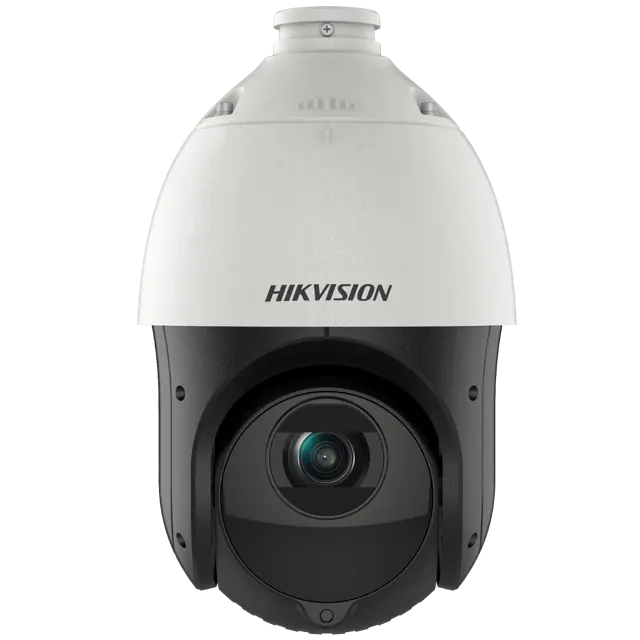
Hikvision
Hikvision DS-2DE4225IW-DE 2MP 25× Optical Zoom Network IR PTZ Speed Dome
In stock
PKR 95,000


Dahua
Dahua CCTV HAC-HDW1500CLQ-IL-A 5MP Smart Dual Light HDCVI Fixed-focal Eyeball Colour Camera
In stock
PKR 6,500