
How to Choose the Right CCTV Camera for Your Property
Quick answer
Start with what you need to see, not with a model number. This checklist walks through coverage, resolution, night vision, lenses, connectivity and recording so you buy the right camera the first time.
By ITvein TeamPublished Updated 3 min read
Most CCTV disappointments come from buying a camera before deciding what it has to do. A camera that looks sharp in a shop demo can still fail to show a face at your gate at night. This guide gives you a simple order of decisions that works for homes, shops, offices and larger sites.
1. Decide what each camera must see
Walk around the property and write down every point you want covered: gate, main door, car porch, back wall, cash counter, stock room, corridor. For each point, decide the job:
- Overview – see what happened in a large area (a yard, a hall).
- Recognition – recognise a person you know.
- Identification – identify a stranger clearly enough for evidence, usually at entrances and counters.
Identification needs far more detail on the target than overview, so it decides lens and resolution more than anything else. The international standard for surveillance (IEC 62676-4) uses roughly 25 pixels per metre for detection, 63 for observation, 125 for recognition and 250 for identification. You do not need to calculate this exactly, but it explains why one wide camera cannot identify faces across a whole car park.
2. Pick the camera type for the location
- Bullet cameras are easy to aim, have a visible deterrent effect and suit walls, gates and perimeters. See bullet cameras.
- Dome and turret cameras are compact and discreet for porches, ceilings, shops and offices. See dome and turret cameras.
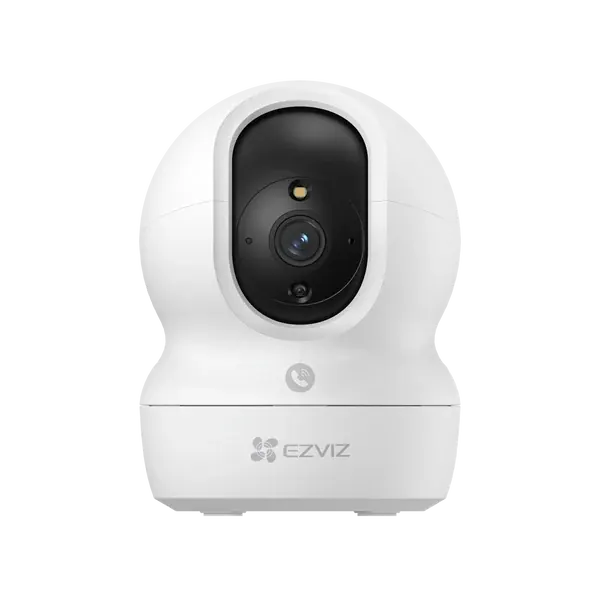
- Pan-tilt and PTZ cameras can turn to look around; useful where one camera must follow activity. Read our PTZ vs pan-tilt guide.
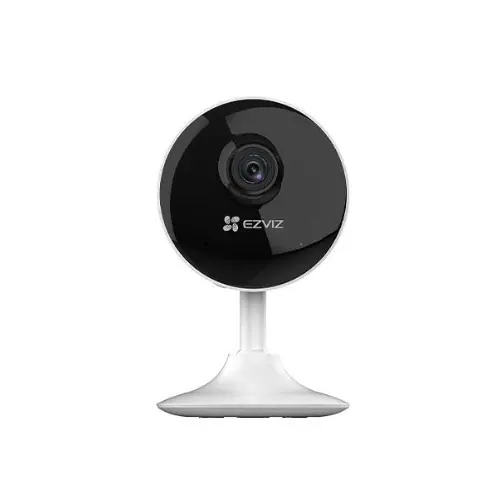
- Wi-Fi smart cameras are quick to set up indoors and for small homes. Compare them in Wi-Fi vs wired CCTV.
- Battery and solar cameras cover places with no power cable. See battery and solar cameras.
3. Choose resolution with the distance in mind
Higher resolution helps, but only if the lens and lighting support it. As a rule of thumb, 2MP (1080p) is fine for short indoor distances, 4MP is a good everyday standard, and 5MP–8MP (4K) helps for wide areas where you may need to zoom into recordings. Our resolution guide explains the trade-offs, including storage.
4. Match the lens to the job
A 2.8 mm lens gives a wide view for rooms and porches. A 4 mm lens is a balanced choice for driveways. A 6 mm or longer lens narrows the view to give more detail at a distance, such as a gate 10–15 metres away. Varifocal and motorised zoom lenses let the installer fine-tune on site. Details are in lens and field of view explained.
5. Plan for night
Most crime and most false alarms happen at night. Decide whether you need infrared (black-and-white at night), full-colour night vision with white light, or a hybrid camera that switches light on only when it detects a person. Read night vision: IR vs colour.
6. Wired, PoE or Wi-Fi?
- HD analog (coaxial) systems are cost-effective and simple, especially when upgrading old CCTV cabling.
- IP cameras with PoE use one network cable for power and video and give the best image quality and smart features.
- Wi-Fi cameras avoid cabling but depend on a strong signal and router.
See IP vs HD analog for a deeper comparison.
7. Don't forget recording, storage and power
Every wired camera needs a recorder (DVR, XVR or NVR) with enough channels and a surveillance-rated hard drive. Plan backup power for load-shedding so the system keeps recording. Start with DVR vs NVR vs XVR, how much storage you need and keeping CCTV running during load-shedding.
8. Check outdoor ratings and build
Outdoor cameras should be rated at least IP66 for dust and water. Where cameras can be reached by hand, a vandal-resistant (IK10) dome is worth considering. See IP66 and IK10 ratings.
A quick shortlist
| Location | Usually works well |
|---|---|
| Main gate | Bullet or turret, 4MP+, 4–6 mm lens, colour or hybrid night vision |
| Porch / door | Turret or dome, 2.8 mm, or a video doorbell |
| Shop counter | Dome, 4MP, aimed at the customer side of the counter |
| Large yard | 5MP–8MP bullet or PTZ, mounted high |
| Indoors (home) | Wi-Fi pan-tilt camera with app access |
Get advice for your property
If you are unsure, send photos of each location and rough distances on WhatsApp, or use our quotation form. We supply cameras across Pakistan and offer CCTV installation in Lahore, Islamabad, Rawalpindi, Karachi, Faisalabad, Gujranwala, Peshawar, Multan and Sialkot.
Frequently asked questions
How many cameras does a typical house need?
Many homes start with four: gate, main door, car porch and the back or side wall. Larger houses or homes with several entrances often need eight. Count entrances and blind spots rather than rooms.
Is a higher megapixel camera always better?
No. A 4MP camera with the right lens and good night vision often gives more useful footage than an 8MP camera with a wide lens pointed at a distant gate. Higher resolution also needs more storage and bandwidth.
Can I mix camera brands on one recorder?
Sometimes. IP cameras that support the ONVIF standard can often be added to other brands' NVRs, but smart features may not work across brands. For the most reliable result, keep cameras and recorder from the same family.
Want advice for your own site?
Send photos and your requirements — we reply with an itemised quotation.